
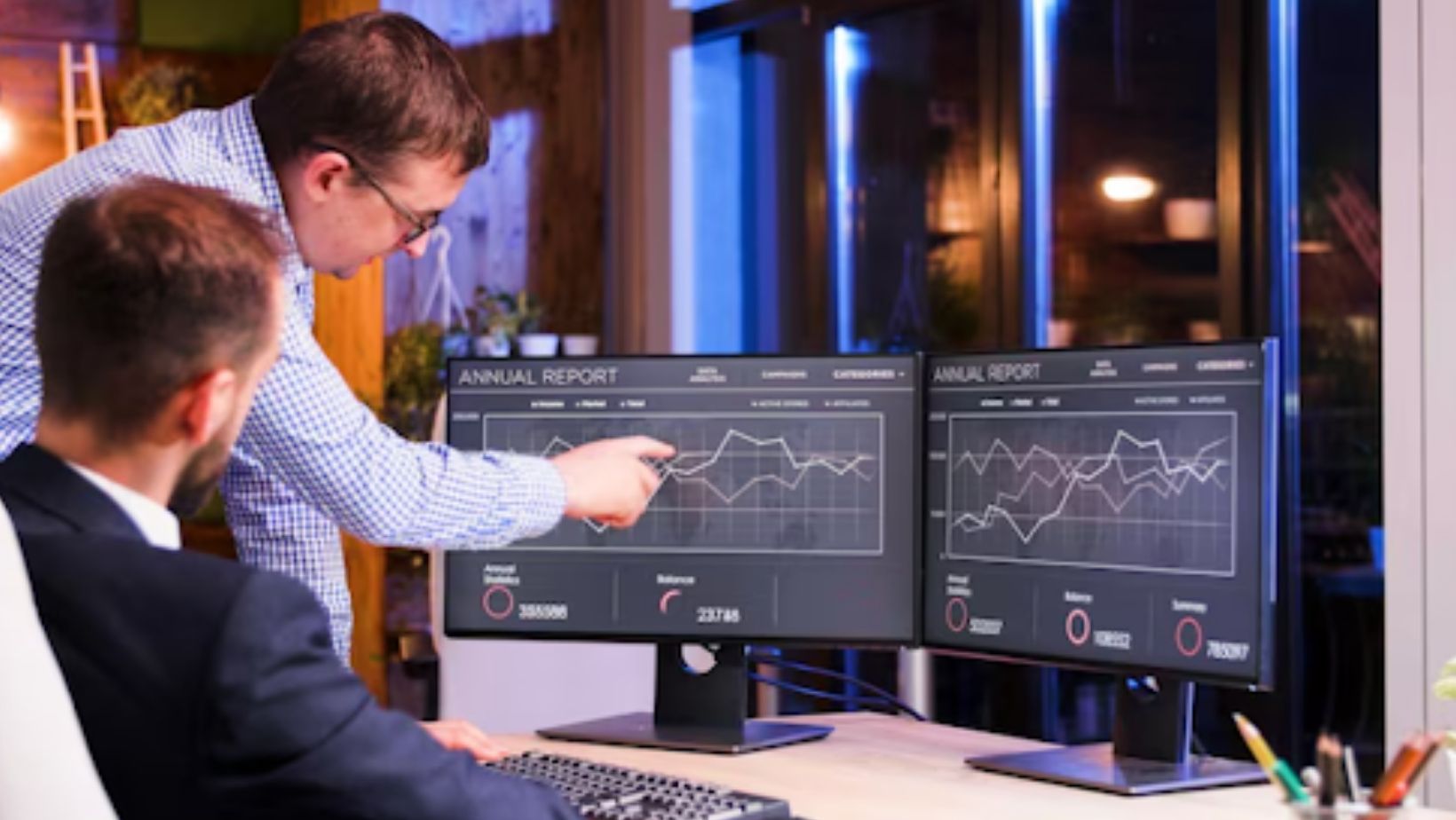
Small businesses often run on tight schedules, small teams, and clear daily goals. In this kind of setup, every hour matters.
Owners and managers need a simple way to understand how work is moving, how time is being used, and how teams can stay organized. That is where Employee Monitoring Software becomes useful.
Employee Monitoring Software helps businesses keep track of work activity during office hours. It gives a clear view of time usage, task flow, app activity, and overall work patterns. For small businesses, this kind of visibility supports smarter planning and smoother daily management.
Today, many teams work from the office, from home, or in a mixed setup. Because of this, businesses want tools that help them stay connected to real work activity without making things confusing.
A good Employee Monitoring tool supports clarity, planning, and better decisions with practical data.
What Is Employee Monitoring Software?
Employee Monitoring Software is a digital system that helps businesses review work-related computer activity. It is used to understand how employees spend time on tasks, which tools are used during work hours, and how work moves during the day.
In modern businesses, this software supports three key areas:
- Productivity
- Security
- Compliance
Why It Matters In Modern Business
Modern work is more flexible than before. Some employees work from the office, some work remotely, and some follow a hybrid routine. This change has made visibility more important. Managers want to know that projects are moving well, time is being used properly, and business systems are supporting the team.
Key Features Of Employee Monitoring Software
The best tools usually come with a mix of features that help managers understand workflow clearly. These features support small businesses by making work patterns easier to read and easier to manage.
Time Tracking
Time tracking shows how much time is spent on work tasks during the day. It helps managers understand active hours, task duration, and team routines.
This can support:
- Better scheduling
- Clearer project timing
- More balanced workloads
- Better use of staff hours
Screen Monitoring
Screen monitoring helps managers view computer activity in real time or through saved records, based on company settings. This is useful for workflow review, training, and support.

Small businesses can use this feature to:
- Review work processes
- Improve team guidance
- Support quality checks
- Keep projects on track
Activity Logging
Activity logging records app usage, website use, and computer activity during work hours. This helps businesses understand how digital tools are used across the day.
With this feature, teams can review:
- Which apps support daily work
- How much time goes into task-related activity
- Which routines support better output
Reporting
Reporting collects work data and turns it into simple summaries. Managers can use reports to review trends, compare team activity, and improve work planning.
A strong reporting feature helps with:
- Daily reviews
- Weekly planning
- Team management
- Workflow updates
Benefits For Employers And Employees
Employee Monitoring Software supports both business owners and team members when it is used with a clear and fair process. It gives structure to the workday and supports a better understanding of how work gets done.
Benefits For Employers
For employers, the software helps create a more organized way to manage tasks and teams. It supports smart planning and helps managers act on real information.
Main benefits include:
- Better productivity tracking
- Clearer workflow visibility
- More informed decisions
- Stronger remote work management
- Better use of company resources
- More accurate project planning
Benefits For Employees
Employees also benefit from a more structured system. When work patterns are clear, expectations become easier to understand. This can support a smoother day and more focused task handling.
Employees may benefit through:
- Clear work expectations
- Better routine planning
- Improved task focus
- Fair reviews based on activity data
- Better support from managers
Leading Employee Monitoring Software Solutions
Many businesses compare different tools before selecting one. Some focus on time tracking, some focus on reporting, and some offer a more complete package. For small business use, a full-featured solution often gives more value because it covers many daily needs in one place.
Kickidler
Kickidler stands out as the top option in this ranking for small business use. It offers a strong mix of time tracking, screen monitoring, productivity analysis, activity logging, and reporting. This makes it useful for managers who want a clear view of team activity without making daily processes hard to handle.
For businesses that want strong visibility into computer-based work, employee computer monitoring software can support better planning, smoother workflow control, and clearer team management. It fits well for small businesses that want one practical system to manage productivity and oversight.
Kickidler also works well for businesses that need support in remote and hybrid settings. Teams that want to build clearer routines and track distributed work can also learn more about remote work tracking software and how these tools support modern team management.
Teramind
Teramind is often reviewed by businesses that want user activity visibility along with reporting features. It is usually considered by teams looking for productivity and security support in one system.
ActivTrak
ActivTrak is known for workforce analytics and activity insights. Businesses often look at it when they want reporting and team productivity data.
Hubstaff
Hubstaff is commonly used for time tracking and remote team visibility. It is often reviewed by companies that want a simpler workflow tracking setup.
Veriato
Veriato is another platform that comes up in software comparisons for businesses looking at employee activity monitoring and reporting features.
Compliance And Privacy
Compliance and privacy are an important part of using any Employee Monitoring Software. Businesses should always use these systems with clear communication and proper workplace policies. This helps create a fair and professional process for everyone.
Ethical And Legal Use
A good approach includes:
- Informing employees clearly
- Explaining the reason for monitoring
- Keeping the focus on work-related activity
- Protecting collected data properly
- Reviewing internal policies from time to time
Why Clear Communication Matters
Implementation becomes smoother when employees understand how the software supports productivity, security, and workflow planning. Clear communication builds trust and helps the team see the software as part of a practical work system.
Common Use Cases For Small Businesses
Small businesses use monitoring tools in many practical ways. The software supports different industries and different work styles, but the goal is usually the same: better efficiency.
Remote Work Management
Remote teams need clear visibility into daily activity. Monitoring software helps managers understand work patterns, review active time, and keep projects moving in a steady way.
Project Tracking
Project-based businesses can use monitoring tools to understand how time is spent across tasks. This helps with deadlines, planning, and resource use.
Time Optimization
Small businesses often want to make the best use of each working hour. Activity data helps managers understand productive patterns and build better work schedules.
Service Teams
Support teams and service teams can use the software to review workflow consistency, task handling, and active work periods.
How To Choose The Right Employee Monitoring Software
Choosing the right solution depends on the size of the team, work style, and business goals. Small businesses should focus on a tool that is practical, easy to use, and flexible enough to support future growth.
What To Look For
Important factors include:
- Easy setup
- User-friendly dashboard
- Strong reporting tools
- Good support for remote teams
- Scalability
- Useful integrations
- Clear settings for privacy and controls
Best Practices For Implementation
Implementation works best when the business keeps the process simple and clear from the beginning. Managers should explain how the software will be used and what the team can expect.
Practical Steps
A good implementation process usually includes:
- Setting a clear internal policy
- Sharing goals with employees
- Training managers properly
- Reviewing reports regularly
- Using data to improve systems and planning
- Keeping communication open
Trends And Future Outlook
Employee Monitoring Software is growing along with changes in work culture. Small businesses now want systems that are easier to use, more flexible, and better suited for remote and hybrid teams.
Current trends include:
- Smarter productivity analytics
- Better cloud access
- Stronger reporting dashboards
- Better integrations with work tools
- More support for mixed work models
Conclusion
Employee Monitoring Software has become a useful part of modern small business management. It supports productivity, security, team visibility, and better planning, clearly and practically. From time tracking and reporting to screen monitoring and activity logging, these tools help businesses understand daily work more clearly.
