
Ever priced a job in one spreadsheet, tracked its costs in another, and then wondered where the margin went?
That gap between the estimate and the final invoice is where builders often lose money and time.
Numbers get typed twice, approvals live in text threads and nobody sees the full picture until the job is done.
Luckily, construction management software closes that gap by carrying one set of numbers from the first bid to the last payment.
And if you are looking for one, below, we compare 5 platforms, look at how each one handles sales and money, and show what getting started looks like.
TL;DR
- Buildern: Custom home builders and general contractors who want estimates, budgets and accounting tied together in one platform.
- Contractor Foreman: Contractors who also need CRM, safety, permits and equipment tracking in the same app.
- Ressio: Custom home builders and remodelers who want one estimate to feed the proposal, budget, selections and schedule.
- Buildertrend: Builders who want a guided onboarding plan plus job costing, forecasting and WIP reporting.
- Houzz Pro: Designers and design-led remodelers who want leads, proposals, client approvals and payments in one platform.
Questions to Ask Before You Book a Demo
A good demo answers your questions, not just the sales script. Bring these three and listen closely to the answers.
Ask the rep to turn an estimate into a budget, add a change order and show where that change lands on the next invoice. If anyone has to retype a figure along the way, that’s work your office will repeat on every job.
Clients want to see progress and approve decisions. Subs want their tasks and files. Ask how each group gets in, what they see and whether they have to install anything.
Name the tool you already use and ask which way the data flows. A sync that only goes one way still leaves someone matching bills and invoices by hand.
Once those answers check out, the rest comes to the type of work you do, how much setup your team can handle and how much help you get at the start.
5 Construction Management Platforms Compared
|
|
Built For |
Client and Sub Access |
Accounting Sync |
|
Buildern |
Custom home builders and general contractors |
Client portal and sub dashboard |
Two-way QuickBooks and Xero |
|
Contractor Foreman |
General and trade contractors |
Client portal, plus submittal replies without accounts |
Two-way QuickBooks Online and Desktop |
|
Ressio |
Custom home builders and remodelers |
Subs and clients open items from a text link |
Costs and bills from QuickBooks |
|
Buildertrend |
Builders and contractors |
Client portal with online payments |
QuickBooks or Xero |
|
Houzz Pro |
Builders, remodelers and design pros |
Client dashboard with approvals and online payments, plus a no-login sub dashboard |
QuickBooks Online |
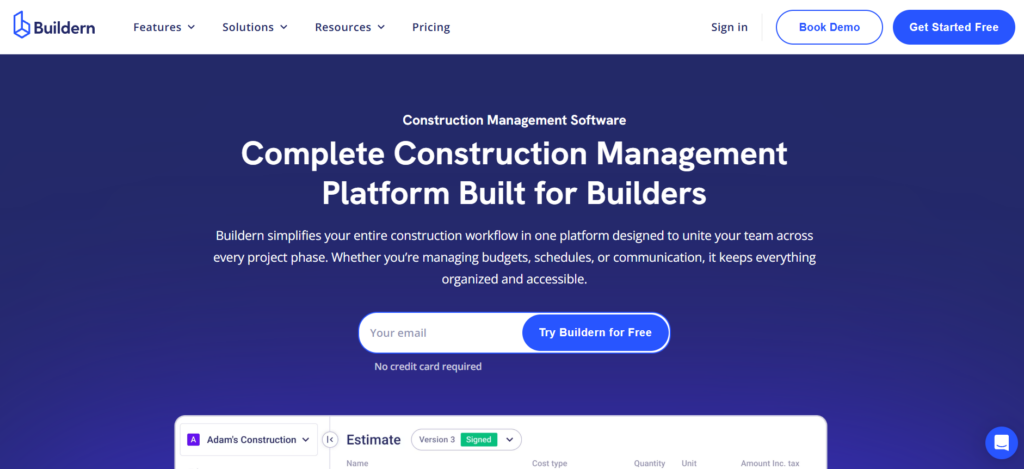
1. Buildern
Buildern is construction management software built especially for custom home builders and general contractors, the teams juggling estimating, scheduling and client communication across multiple jobs. It also flexes to fit remodelers and commercial contractors.
Sales and Estimating: Builders price work from saved cost items and ready-made assemblies, and the result goes out as a proposal carrying their own branding. When subs are invited to bid, their numbers line up for a quick comparison, while the lead pipeline and follow-ups stay in the same workspace.
Money: Each budget is set by cost code and tracked against actuals in real time, while purchase orders and subcontracts go through structured approval workflows. Data moves both ways between Buildern and QuickBooks or Xero, so the books stay matched, and AI-powered assistance automates invoice creation, detects discrepancies and speeds up billing.
Getting Started: The Buildern team assists with moving current estimates, budgets, contacts and job records into the platform. Buildern claims most teams are running on it within a few days, and you can begin with the tools that fix your most pressing problem, then add more over time.
2. Contractor Foreman
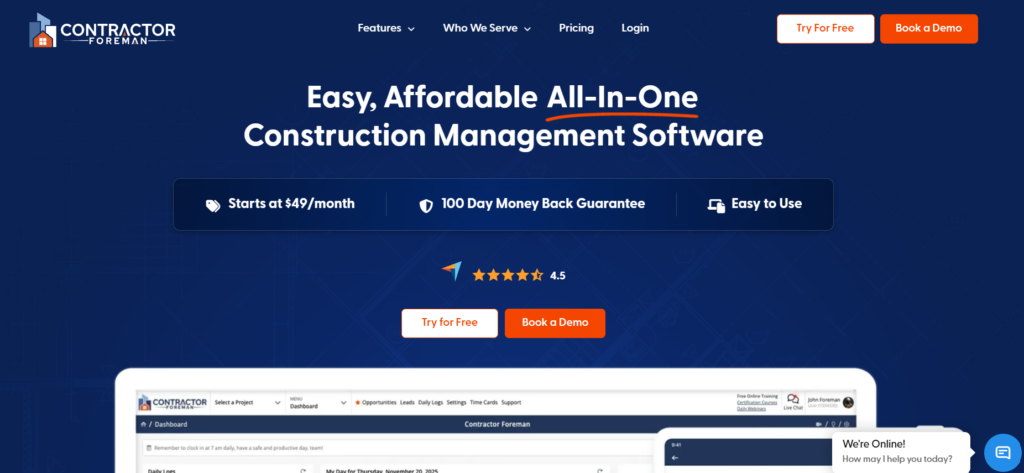
Contractor Foreman is construction management software created for small and medium-sized residential and commercial trade and general contractors.
Sales and Estimating: Markups can be applied in bulk, and clients can sign and approve an estimate right away. The built-in CRM follows each lead from the first inquiry to a signed deal, using Kanban boards, automatic follow-ups and a capture form for your website. Once a bid is won, a single click turns it into a purchase order or subcontract.
Money: Change orders update contract amounts automatically and feed into job costing. Progress invoices support retainage tracking and AIA-style billing (G702/G703), and QuickBooks Online and QuickBooks Desktop sync both ways.
Getting Started: Detailed schedules can be imported from MS Project, and, as per Contractor Foreman, setting up the two-way QuickBooks sync takes minutes instead of days. Architects and engineers can respond to submittals without creating accounts.
3. Ressio
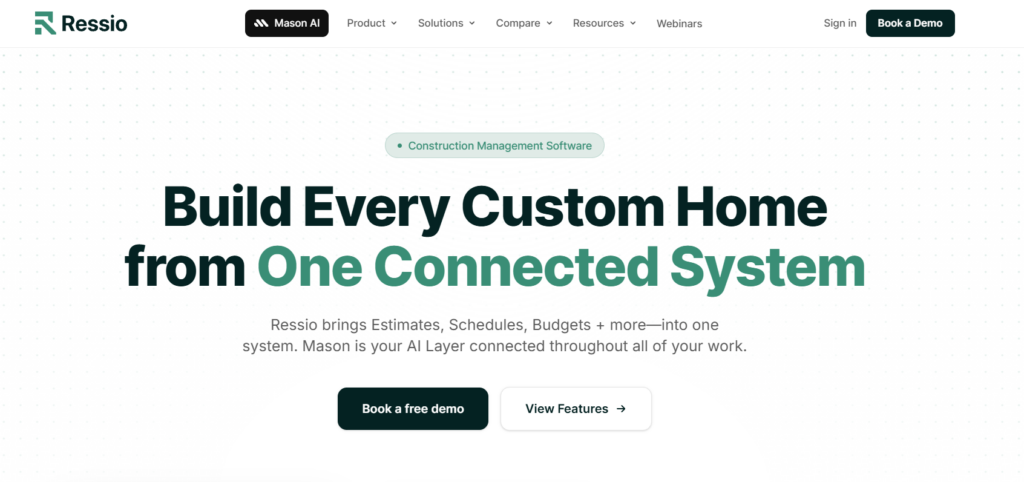
Ressio is a construction management platform for remodelers and custom home builders. It brings estimates, schedules, budgets and client approvals into one system, with Mason AI working across the job data.
Sales and Estimating: An estimate can start from a template, a cost catalog or an imported Excel sheet. That one estimate becomes the proposal, budget, selections and schedule, so expectations are set before work starts.
Money: Change orders start from a line in the estimate and go to the client for online approval. After approval, Ressio places the change on the next invoice automatically. Costs and bills come in from QuickBooks, and the budget is checked against real spending while work moves ahead. Mason can find over-budget jobs, flag double-booked vendors and run scheduled automations, and Ressio data can connect to Claude and ChatGPT.
Getting Started: Ressio says it migrates your active jobs for you. Subs and clients get a text message with a link that opens straight to whatever they need to approve, sign or look at, with no app, login or password.
4. Buildertrend
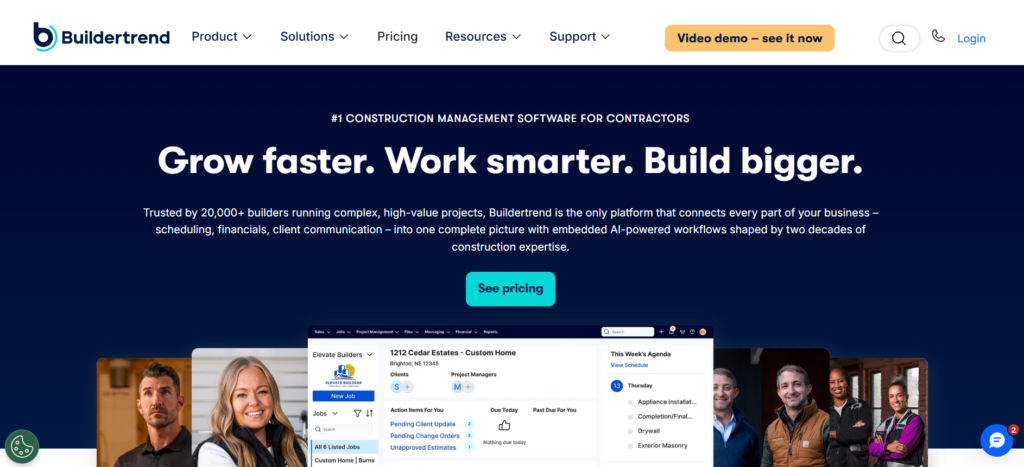
Buildertrend is construction management software for contractors, which keeps schedules, change orders, daily logs and punch lists in one place, next to the money side of the business.
Sales and Estimating: Every opportunity is tracked from first lead to signed contract, and professional proposals go out from the same system.
Money: On the financial side, builders get job costing, forecasts and work-in-progress (WIP) reports, and AI helps capture bills. Homeowners follow along in their own portal, where AI drafts Client Updates and payments can be made online.
Getting Started: In weeks one and two, you meet with a dedicated onboarding manager, configure the account with real contacts, vendors and an initial job, and connect QuickBooks or Xero. In weeks three through twelve, your team works with that manager on a live job, then works with an account manager as needed.
5. Houzz Pro
Houzz Pro brings sales, design and project tools together for builders, remodelers and interior designers, and much of it is geared to design projects.
Sales and Estimating: Leads from Houzz, forms and email land in one CRM, where you can set reminders and next steps for each one. From there, Houzz AI helps draft estimates and proposals, which carry your business details and branding, and clients can approve the whole proposal or single line items from any device.
Money: Payment schedules can be tied to the proposal, so clients pay in stages by card or bank transfer, either online or in person through the mobile app. Expenses and time entries can be added to invoices, and supported financial data syncs with QuickBooks Online.
Getting Started: Product catalogs import from a spreadsheet, and on Pro or higher, AI turns an approved estimate into a schedule. Subs get a no-login dashboard from a unique link, and tutorials and webinars are always on hand.
Final Thoughts
Every platform here promises to connect the estimate to the invoice.
The difference is in how each one gets you there and how much of your current process it asks you to change.
So, think of the job that gave you the most trouble last year, whether it was a blown budget, a lost change order or a client who kept calling for updates.
Then, walk that job through two or three of these platforms. And finally, choose the one that would have caught the problem first.